ReelsMeals vs Copy Me That
Copy Me That if you clip recipes from websites. ReelsMeals if they live in saved reels.
Copy Me That is a long-running recipe clipper with a browser extension and apps for iPhone and Android, free up to 40 recipes. ReelsMeals reads cooking videos and imports a saved Instagram folder from Instagram’s own export. Prices checked on 7 June 2026.
Copy Me That is a clipper.
Its browser extension copies recipes from websites into your account. It plans meals, keeps a shopping list, and works on the web, iPhone and Android. It’s free up to 40 recipes and about $1 a month after that.
ReelsMeals moves your saves.
It writes a recipe down from a reel’s caption, on-screen text and voiceover. It imports your Instagram saved folder from Instagram’s data export, or TikTok and YouTube links 50 at a time, credits every creator, and runs in the browser on any device.
Copy Me That can’t open these.
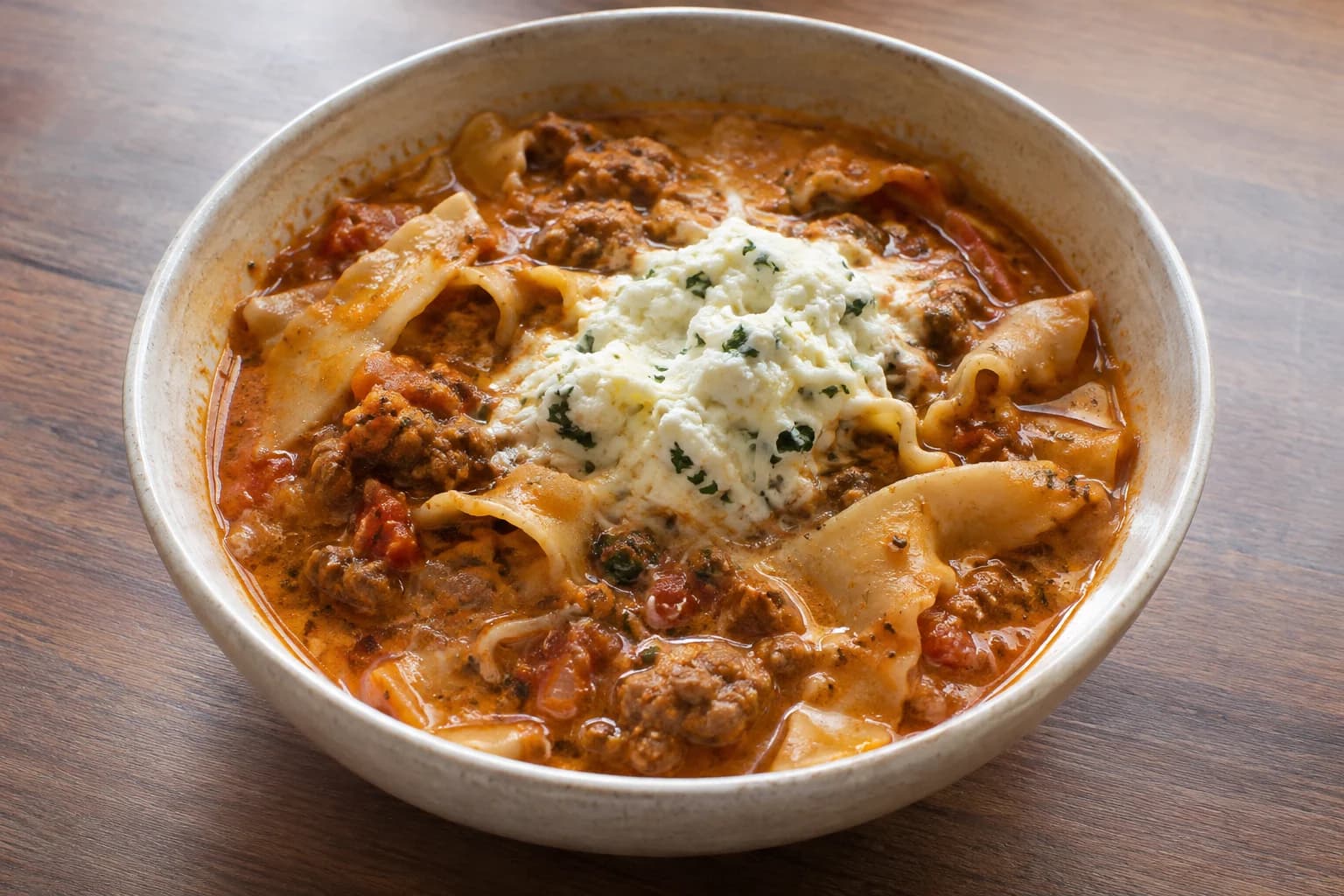
Lasagna soup
McKenna Barry · Instagram reel

Paratha smash burger buns
khudi.nyc · TikTok
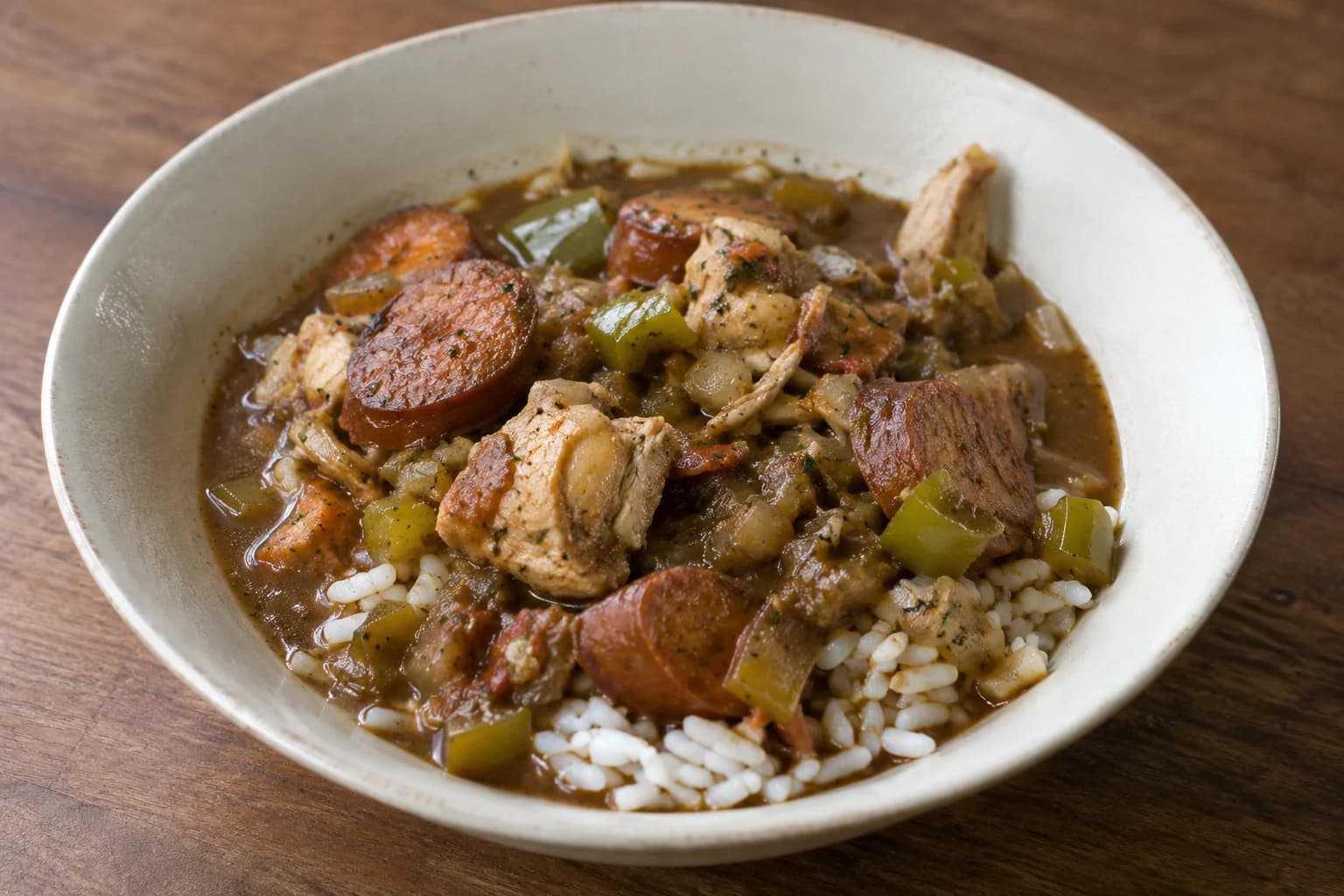
Cajun chicken and andouille gumbo
Rachel · Instagram reel
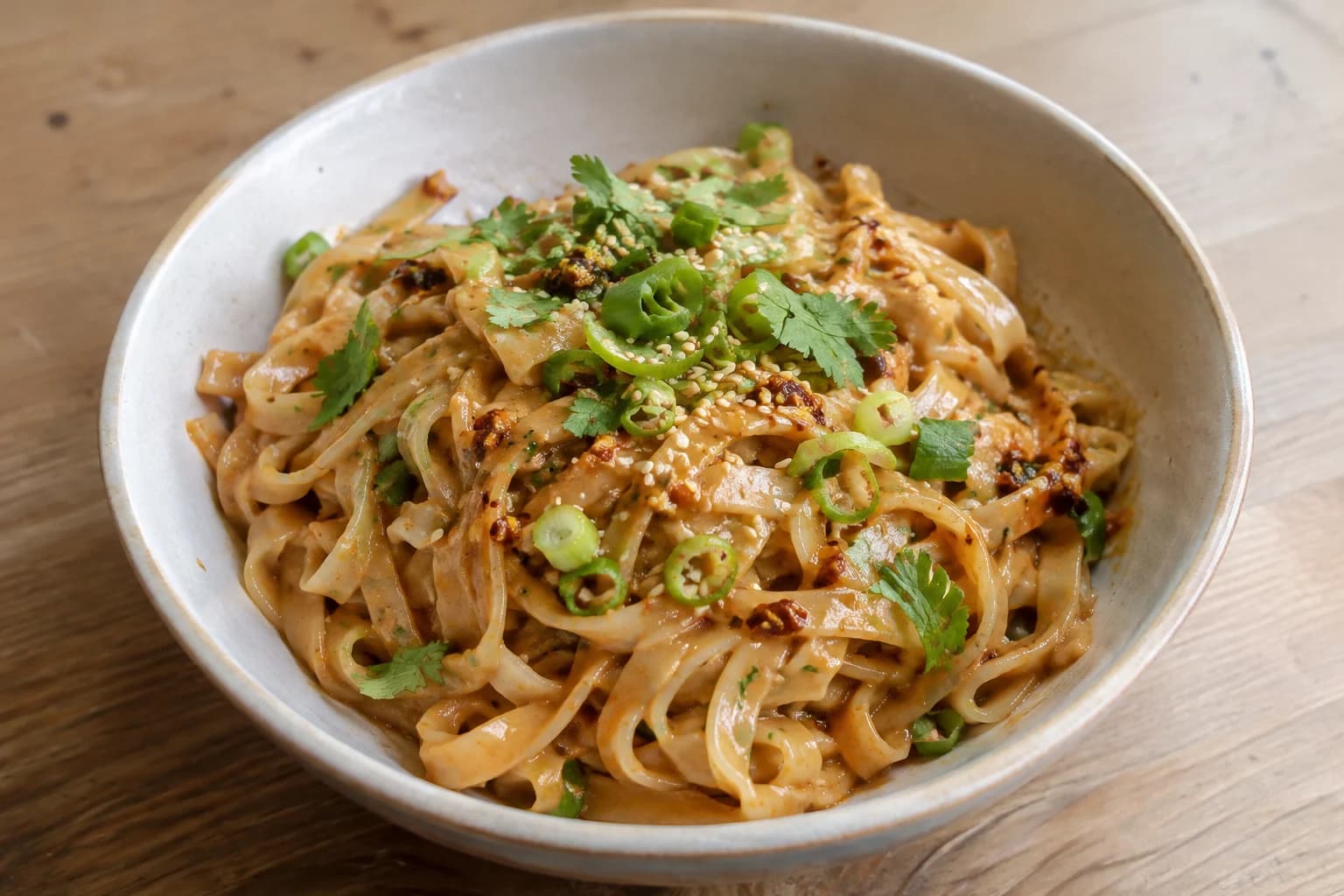
Spicy peanut noodles
vitacoco · Instagram reel
Each is a real recipe on ReelsMeals, and each lived only in a video: there was no recipe page for a web importer to read. ReelsMeals wrote them down from the reel itself.
Feature by feature.
From each app’s own site and store listings, checked 7 June 2026. Where Copy Me That does something ReelsMeals doesn’t, the table says so.
| Feature | ReelsMeals | Copy Me That |
|---|---|---|
| Recipes from websites | ReelsMeals: YesPaste a link | Copy Me That: YesBrowser extension |
| Instagram Reels | ReelsMeals: YesCaption, on-screen text and voiceover | Copy Me That: No |
| TikTok and YouTube videos | ReelsMeals: Yes | Copy Me That: No |
| Move a whole saved folder | ReelsMeals: YesInstagram’s data export, or links 50 a batch | Copy Me That: NoOne recipe at a time |
| Photos of paper recipes | ReelsMeals: YesScan a card | Copy Me That: No |
| Browser extension | ReelsMeals: YesSave to ReelsMeals for Chrome, up to 50 saved posts at once | Copy Me That: YesClips recipes from web pages |
| Meal planning | ReelsMeals: Yes1 to 7 dinners from your saved recipes, with a short reason for each | Copy Me That: Yes |
| Shopping list | ReelsMeals: YesBuilt from the plan; send to Apple Reminders on iOS | Copy Me That: Yes |
| Where it runs | ReelsMeals: Any browserPhone, tablet, laptop | Copy Me That: Web and appsWeb, iPhone and Android |
| Claude, ChatGPT and other assistants | ReelsMeals: YesOver MCP, revoke any time | Copy Me That: Not listed |
| Free to start | ReelsMeals: YesSave public recipes; 3 imports of links or scans | Copy Me That: YesUp to 40 recipes |
When Copy Me That wins.
You clip from websites.
Copy Me That’s extension has been copying recipes off web pages for years.
You want the cheapest plan.
It’s free up to 40 recipes, then $1 a month, $12 a year or $65 once. ReelsMeals costs more.
You want a phone app.
Copy Me That has apps for iPhone and Android. ReelsMeals runs in the browser.
Moving from Copy Me That.
First, keep Copy Me That.
Nothing in it changes. Move a few recipes, cook from them for a week, then decide.
Then copy the source links.
Recipes Copy Me That saved from a website usually keep a link to that site. Copy the links of the ones you still cook.
Paste them, 50 at a time.
ReelsMeals reads each page again and writes the recipe down, credited and linked. A free account includes 3 imports of links or scans, which you can spend on a small batch; a plan imports the rest. Keep the tab open until every batch is sent; queued imports carry on on the server.
Bring the reels Copy Me That never had.
Request your saved posts from Instagram’s Download your information page and drop the file in. Paste TikTok and YouTube links in the same box.
Recipes you typed into Copy Me That by hand have no link to follow: copy the recipe text into manual entry, or scan a printout. ReelsMeals can’t read Copy Me That’s own export file yet.
Questions.
Which is better, Copy Me That or ReelsMeals?
If you mostly clip recipes from websites and want the cheapest option, Copy Me That is the better choice. It's free for up to 40 recipes, about $1 a month after that, and has iOS and Android apps. If your recipes live in Instagram Reels, TikToks and YouTube videos, ReelsMeals is the better choice. Copy Me That doesn't read video, and ReelsMeals can import a whole list of saved links at once.
Can Copy Me That import recipes from Instagram or TikTok?
No. Copy Me That copies recipes from websites. A reel has no recipe page: the recipe is in the caption, the text on screen or the voiceover. ReelsMeals reads all three.
Is Copy Me That free?
Up to 40 recipes. After that it’s $1 a month, $12 a year or $65 for lifetime access.
Can I use both?
Yes. Keep Copy Me That for the sites you clip from and use ReelsMeals for the reels. ReelsMeals also reads recipe-site links if you would rather have everything in one book.
Bring the reels Copy Me That can’t.
Paste one saved reel and get the recipe back, credited to its creator. You can usually try one without an account, and a free account adds 3 imports.
Comparing other apps? Paprika, Pestle, Mela, Samsung Food, ReciMe, AnyList, Crouton and Recipe Keeper. Or see all comparisons.